Product Warranty
Warranty questions, handled with the right product context.
Warranty coverage can depend on the specific device, order and issue involved. Contact Trevipet with your order details so support can review your request and provide the applicable information without relying on a generic warranty assumption.

Warranty support at a glance
The useful information comes from the product, order and issue.
Trevipet does not need to make a one-size-fits-all warranty promise on this page. The most accurate next step is to review the specific product and order details with support.
Identify the Product
Share the device type and the product information connected to your order.
Describe the Issue Clearly
Explain what is happening, when it started and any setup or use details that may help support understand the problem.
Use Confirmed Guidance
Wait for the warranty instructions that apply to your order before sending a product or taking additional action.
Before contacting support
Prepare the details that make a warranty request easier to review.
Connected pet products can involve fit, power, pairing, network, installation or environment factors. A concise description of the setup helps keep the support conversation focused.
Order Information
Have the relevant order information ready so support can identify the purchase.
Product and Setup
Include the device type and useful details about how it is installed, connected or used.
Issue Details
Describe the issue clearly and include photos or other relevant information when it helps explain the problem.
Product care and warranty context
Different pet-tech categories can require different troubleshooting details.
Before requesting warranty support, review normal setup and maintenance steps when appropriate. This helps separate routine configuration questions from issues that may need further review.

Check installation, fit and access setup.
For smart pet doors and RFID access products, include mounting details, power information and tag or access behavior when describing an issue.

Include power, connectivity and alert behavior.
For temperature and humidity monitors, useful context may include the connection method, power source, location and the alert behavior you are seeing.
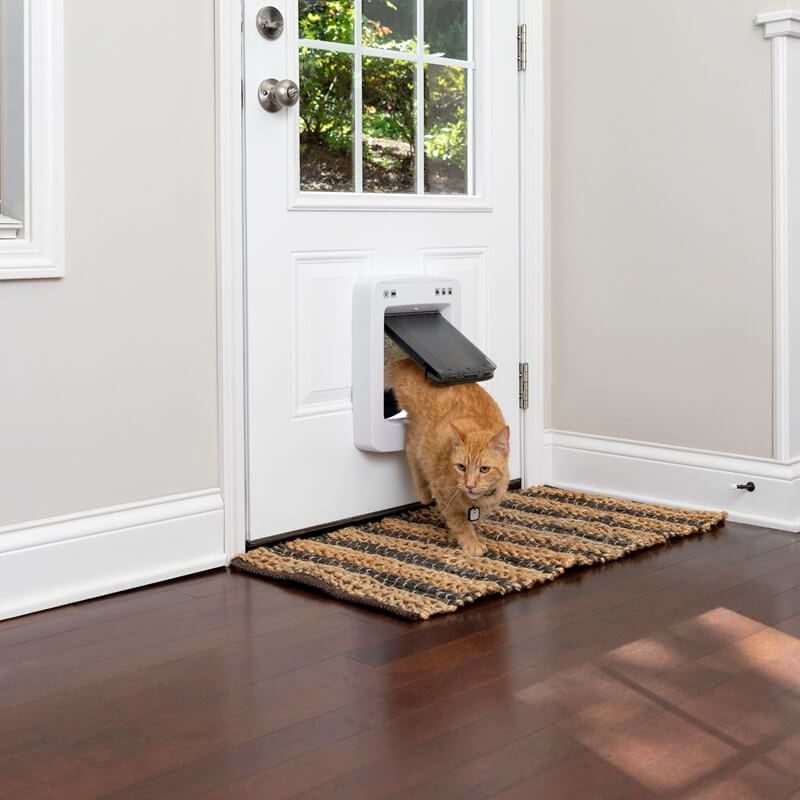
Explain what changed from normal operation.
When a device stops behaving as expected, note what worked previously, what changed and whether the issue appears during setup, connection or daily use.
Product warranty FAQ
Useful answers without inventing warranty terms.
For exact coverage, eligibility, duration or claim instructions, contact Trevipet so the response can be based on your specific order and product.
How do I ask about warranty coverage for my product?
Is there one warranty period for every Trevipet product?
What should I include in a warranty support request?
Should I send the product back before contacting Trevipet?
What is Trevipet's shipping time?
Need warranty support?
Send the product and order details directly to Trevipet.
Use the contact page for warranty questions that depend on a specific device or purchase. You can also reach Trevipet by email or phone using the information shown here.